
Download SQLite Database Reader – Recover Corrupt SQLite Databases, SQLite File Recovery Tool
Overview
SQLite Database Reader is a specialized utility designed to restore damaged or corrupted SQLite databases, offering a reliable solution for users facing data loss. The app targets individuals and professionals who rely on SQLite-based applications, such as mobile developers, software testers, and system administrators managing local database files. Its primary purpose is to recover critical database objects—including tables, views, keys, indexes, and stored procedures—without requiring deep technical expertise.
By supporting multiple SQLite file formats like DB, DB3, SQLite2, and SQLite3, the tool ensures broad compatibility across various versions of SQLite databases. This makes it particularly valuable in environments where data integrity is crucial, such as in embedded systems, mobile app development, and local application storage. The developer, Nucleus Technologies, positions this software as a secure and efficient alternative to manual recovery attempts, which often result in partial or failed restorations.
While the developer did not provide additional background on their technical capabilities or prior product history, the app’s focus on data recovery suggests a targeted approach to solving a niche but persistent problem in database management. Real-world use cases include recovering lost data from mobile app caches, debugging corrupted local databases, and restoring critical project files. In the broader software ecosystem, SQLite Database Reader fills a gap in accessible recovery tools for a widely used but fragile database format.
Key Features & Functionality
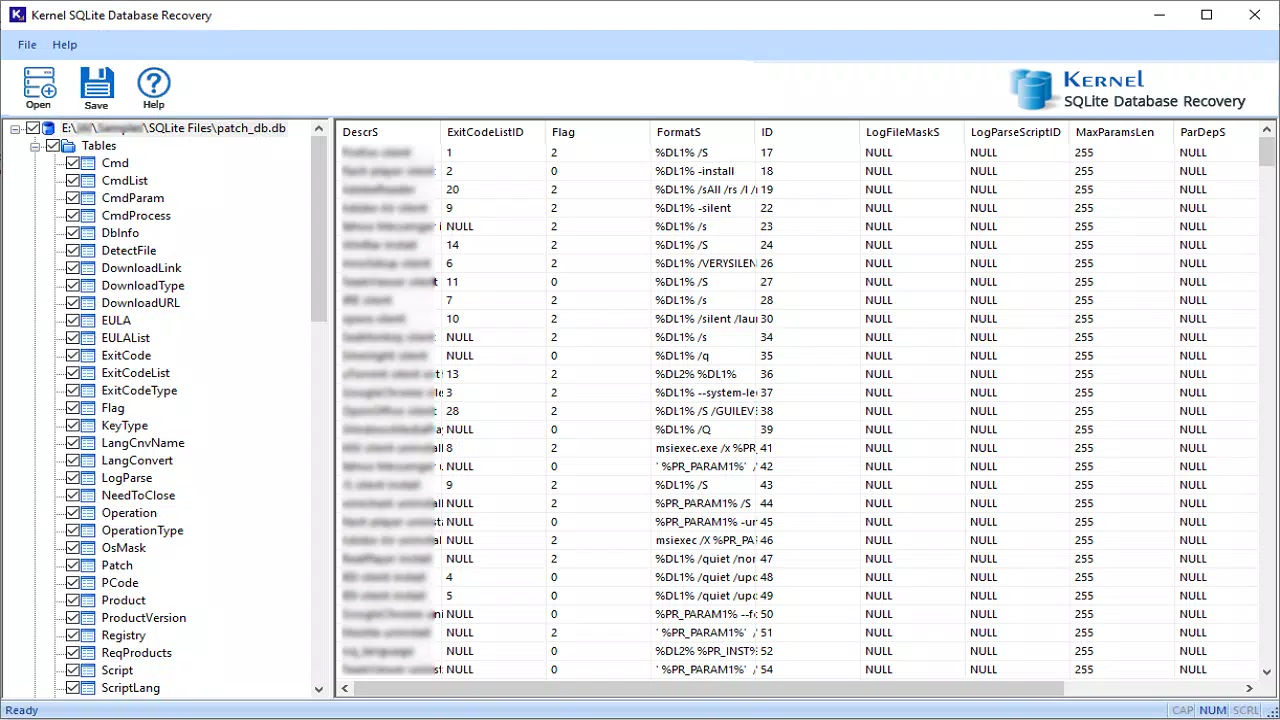
- Comprehensive Recovery of Database Objects: The software supports the recovery of all core SQLite database components, including tables, views, indexes, keys, and stored procedures. This ensures that users can restore not just raw data, but also the structural integrity of their databases.
- User-Friendly Restoration Interface: Designed with simplicity in mind, the app allows users to navigate through recovery steps without requiring advanced database knowledge. This accessibility benefits non-technical users managing local SQLite files.
- Free Preview of Corrupted Data: A trial version enables users to preview recovered objects before purchasing the full version. This transparency helps users assess the tool’s effectiveness and determine whether their data can be fully restored.
- Multi-Format Compatibility: The app supports DB, DB3, SQLite2, and SQLite3 file types, allowing seamless recovery across different SQLite versions and application environments.
- Customer Support Access: Users can contact support via [email protected] for guidance during the recovery process, ensuring assistance is available when needed.
For example, a mobile developer encountering a corrupted local database in an Android app can use the tool to preview and restore critical table structures and data. Similarly, a system administrator managing a legacy application with a damaged SQLite file can recover essential records without needing to rebuild the database from scratch. These use cases demonstrate the practical value of the app in real-world scenarios where data loss can disrupt workflows or delay project timelines.
Interface, UX & Performance
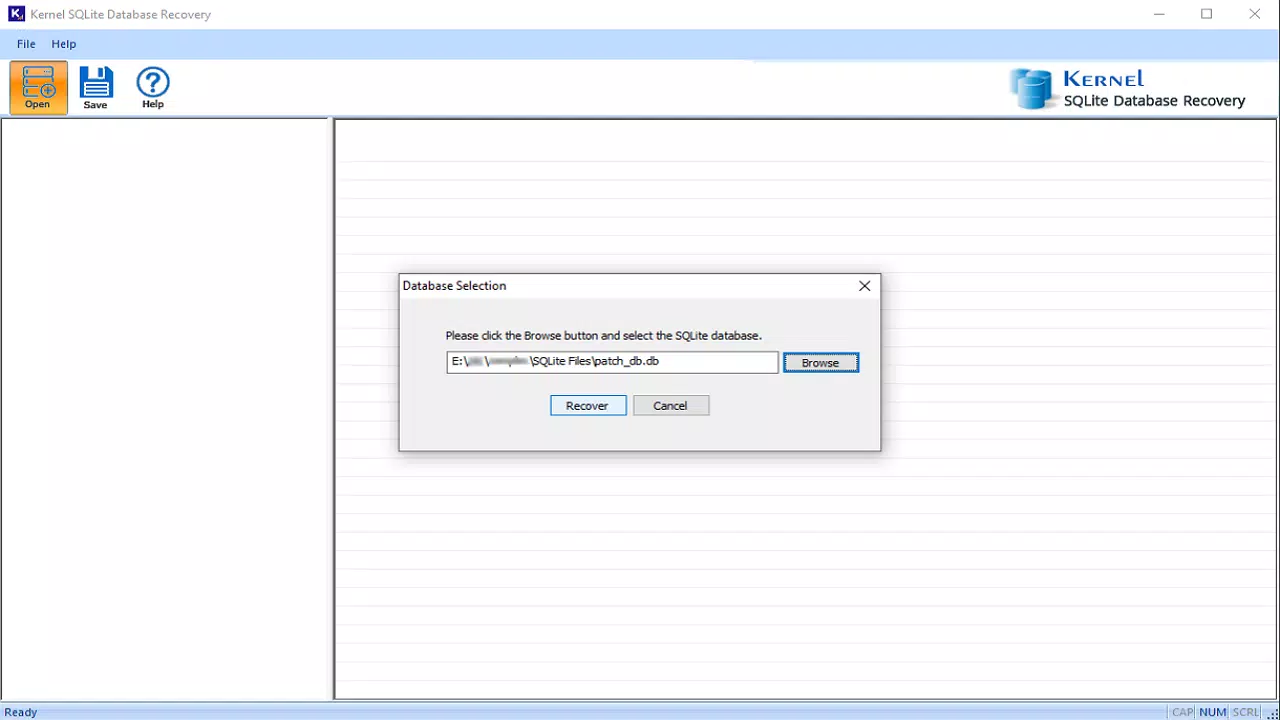
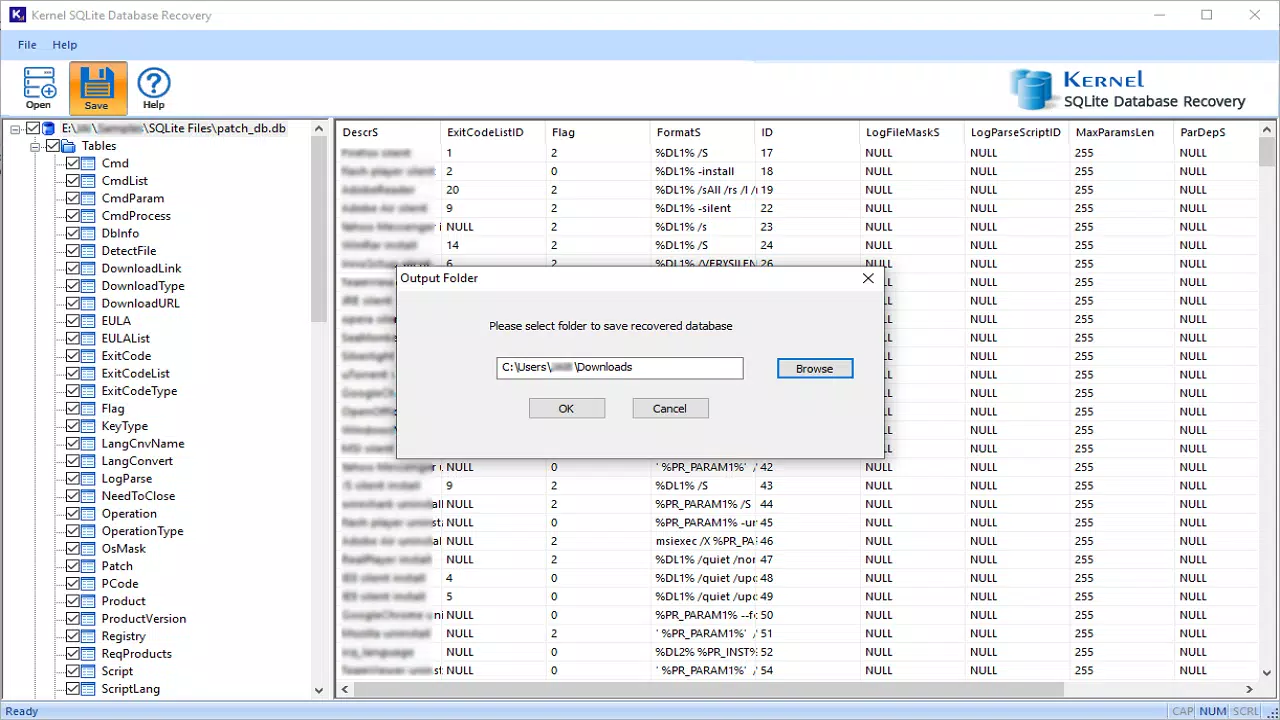
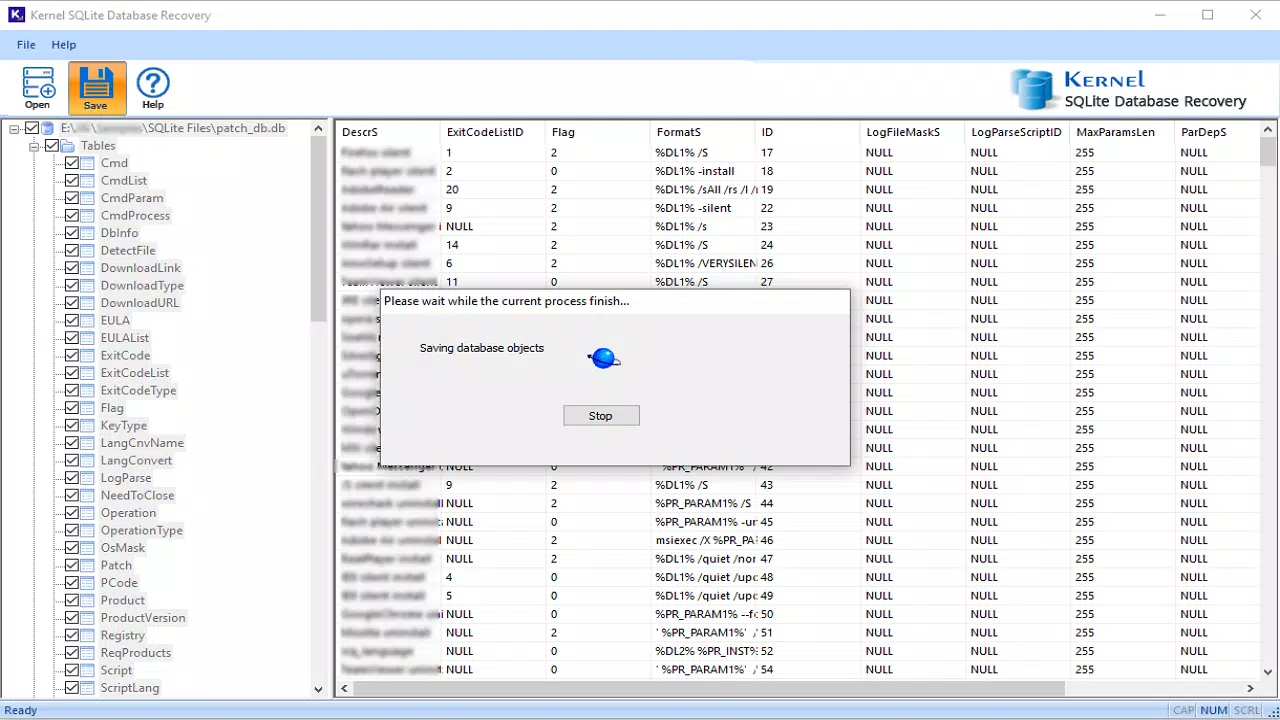
The interface of SQLite Database Reader is designed for clarity and ease of navigation, focusing on essential functions without overwhelming users with unnecessary options. The layout emphasizes a step-by-step recovery process, guiding users through file selection, preview, and export. Visual elements are minimal but functional, with clear labels and intuitive buttons that support a smooth user journey.
Navigation is linear and predictable, reducing the likelihood of user errors during critical recovery operations. Although the developer did not list formal performance metrics, the app’s lightweight footprint of 10.2 MB suggests efficient resource usage, which may contribute to stable performance across a range of Windows systems. Responsiveness appears to be consistent, as users can quickly load files and access preview features.
Stability during file processing is implied by the app’s focus on reliable recovery, though no specific error handling or crash reporting mechanisms were detailed. The app’s performance on older or low-end hardware was not disclosed, but its small size indicates potential compatibility with a broad range of devices. Overall, the UX is optimized for task completion, making it suitable for users who need a quick, dependable recovery solution without extensive training.
Platform Compatibility & Technical Requirements
SQLite Database Reader is available exclusively for the Windows platform. The current version is 1.0.0, with a file size of 10.2 MB. The developer did not specify minimum OS requirements, making it unclear which Windows versions are supported.
Compatibility information was not fully disclosed, so users should exercise caution when installing on older or non-standard systems. The app does not appear to be available on mobile platforms such as Android or iOS, limiting its use to desktop environments. No additional technical specifications, such as processor type, RAM, or disk space, were provided.
As a result, users must rely on general system compatibility when installing the software. The absence of detailed requirements means that installation on low-resource or enterprise-grade machines may vary in outcome. However, the small file size suggests that the app is optimized for minimal system impact, potentially allowing installation on a wide range of Windows machines.
Pros and Cons
- Supports multiple SQLite file formats including DB, DB3, SQLite2, and SQLite3
- Provides a free trial with preview functionality for assessing recovery success
- Intuitive interface suitable for non-technical users
- Efficient file size (10.2 MB) suggests low system impact
- Offers access to customer support for troubleshooting
- Platform limited to Windows; no mobile or macOS availability
- Developer did not disclose minimum OS or hardware requirements
- Price of $19.95 may be high for casual users
- No information on automatic updates or version history
- Support contact is email-only, with no live chat or ticket system
FAQ
Is SQLite Database Reader safe to download and use?
Yes, the software is designed to operate as a recovery tool without modifying original files. It reads and previews corrupted databases without altering the source data, making it a secure option for data recovery.
Can I use SQLite Database Reader on mobile devices?
Currently, the app is only available for Windows. There is no official version for Android or iOS devices. Users seeking mobile compatibility should consider alternative tools or transfer files to a Windows machine for recovery.
What file types does the tool support?
The software supports DB, DB3, SQLite2, and SQLite3 file formats. These are the most common extensions used by SQLite databases across different applications and platforms.
Does the free trial allow me to save recovered data?
No, the free trial version only allows users to preview recovered database objects. To export or save the restored data, users must purchase the full version of the software.
How can I get help if I encounter issues during recovery?
Users can contact customer support at [email protected] for assistance. The support team is available to guide users through the recovery process and address technical questions.
Final Thoughts
SQLite Database Reader stands out as a focused, efficient tool for recovering corrupted SQLite databases on Windows. Its ability to restore a full range of database objects, combined with a straightforward interface and free preview feature, makes it a valuable asset for developers, testers, and administrators dealing with data integrity issues. While its platform restriction to Windows and lack of detailed technical requirements may limit broader accessibility, the app delivers clear value for its target audience.
The $19.95 price point reflects its specialized functionality, particularly for users who cannot afford data loss. For anyone managing SQLite-based data and facing corruption, this tool offers a reliable path to recovery. Its lightweight design and clear workflow enhance usability, making it a practical choice for both routine and emergency scenarios.
If you rely on SQLite databases and need a dependable recovery solution, this app is worth considering.
Download SQLite Database Reader now


